
A Facebook newbie asked us how to make sure that their Facebook Business Page didn’t give an error message when visitors followed the link from an icon on their website.
Because they hadn’t changed the default Facebook settings, visitors following the link were getting a message saying “Sorry, this content isn’t available at the moment”.
Now that’s rather like inviting visitors and then slamming the door in their face, leaving them to knock to gain entry. Anyone who is not logged in or doesn’t have a Facebook account, won’t be able to see any content to tempt them to explore further.
Seems like a quick blog post would provide the simple solution!
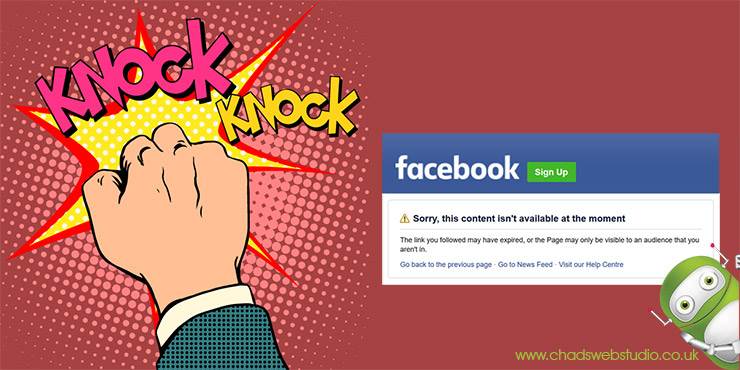
By default a visitor to Facebook must have an account and be also logged into to see a business page. If they don’t have a Facebook account, or are not logged in, then Facebook will display a registration/sign-in page, or worse still an error message like the one below. We all know that first impressions count, and this is not a good impression!

Fortunately this is easily rectified by changing your page’s security settings.
When you are logged into your page as an admin, go to the settings and you will see one that says”Age Restrictions“.
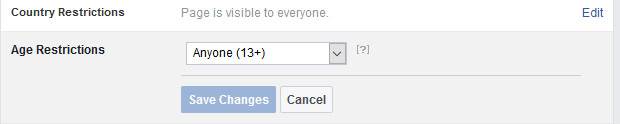
Simply edit this and choose “Anyone (13+)” – 13 being the age at which a person may have an account. That effectively allows anyone to see the page and it not only creates a much better impression, but gives visitors a reason to login and explore your content further.
Don’t forget to “Save” the changes!
You can find Chadwick Design on Facebook. Why not “Like our Page” now for more tips and articles?


