
Any link that doesn’t lead anywhere is known as a ‘dead link’ or ‘broken link’. The HTTP status code for a missing page is 404 and is often referred to as ‘error 404’, ‘HTTP 404’, or ‘404 code’. You will have experienced this at some time whilst surfing the net: instead of getting the site or page you want, an error pops up indicating that the requested page is not available.
What causes a ‘404 error’ ?
The typical trigger for an error 404 message is when website content has been taken off a website or moved to another URL. If the content has been indexed by Google, then unless the correct redirects are put in place, the missing content will still be served up in search results and anyone following the link will get the Error 404 message. It can also happen simply because a visitor mis-types a URL.
Why bother with a custom 404 page?
Visitors landing on an Error 404 page are likely to simply bounce away from your website and look elsewhere for the content they are seeking.
A custom 404 page can help to avoid this. A simple explanation for what has happened will keep the visitor engaged:
- Apologies, but the page you requested could not be found.
- Sorry, we couldn’t find the page you were looking for.
- Ooops! The link you followed is broken
Including a call-to-action will make it much more likely your visitor will forgive the broken link and explore your site to find what they were looking for:
- Apologies, but the page you requested could not be found. Perhaps searching will help. (Include a search bar.)
- Sorry, we couldn’t find the page you were looking for- visit our home page to see if that helps (Include a link to the home page.)
- Ooops! The link you followed is broken – perhaps one of the articles below will interest you! (Include links to your most recent content.)
Creating a custom 404 page adds a bit of personality to your site
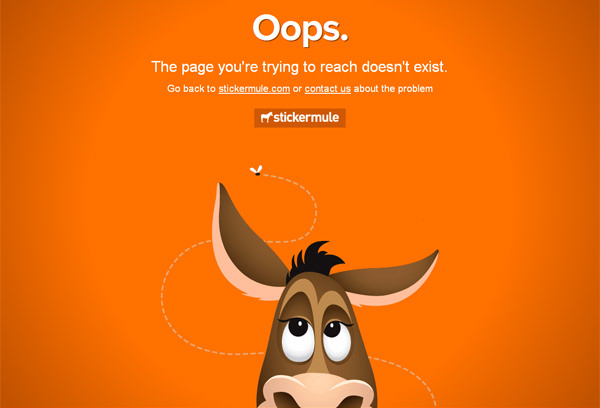
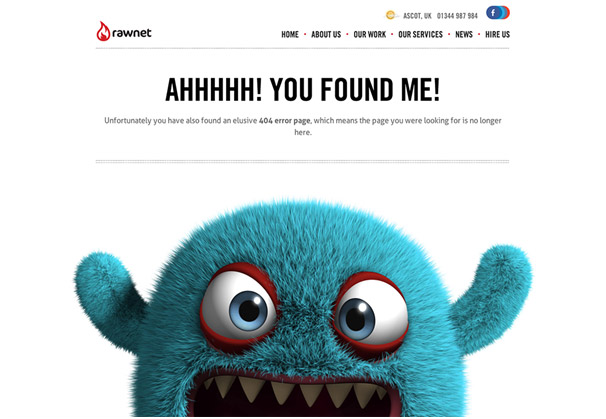
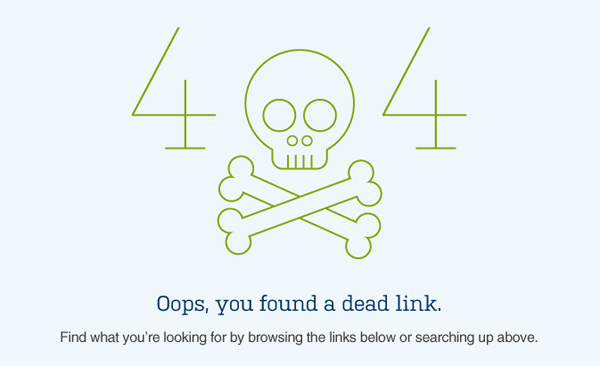
A well-designed Error 404 page will make your visitor smile instead of frown with frustration. Including an amusing image that fits with your brand will reduce the disappointment at not finding content they wanted and make them more likely to engage with other content on your site.
Examples of amusing 404 designs

How to Create an Error 404 page in WordPress
The simplest way to create an error 404 page on a WordPress website is by installing a plugin. Then you can simply choose any page in your WordPress editor and make it your default 404 page.
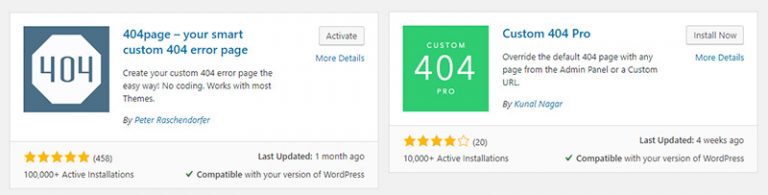
Two free plugins which are simple to use and have great reviews are:
- 404page with over 100,00 active installations
- Custom 404 Pro with over 10,000 active installations
Having installed and activated your chosen plugin, create a new page containing your 404 Error design, pick that page in the plugin options and you are good to go!


