
Want to send a wedding video to family members across the world? Need to have large files from your computer accessible from your smart phone, tablet and PC so you can retrieve them from wherever you are? Or need to send a large files to business colleagues? Here are 3 great sites that allow you to do just that… for free.

 1. We Transfer
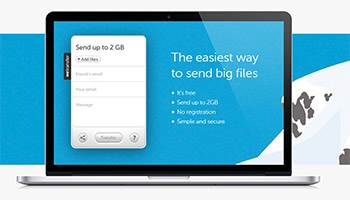
We Transfer will transfer your files from A to B. It is ideal for large files that are too big to send as an attachment. We Transfer describes itself as: “Free of stress and of charge”. They have transferred millions of files safely to almost every corner of the world.
With WeTransfer you can send up to 2GB per transfer. It’s simple, secure and free.
Learn more about how it works here: https://www.wetransfer.com/
 2. DropBox
Dropbox allows you to store and retrieve your files from anywhere, on any device, and share them with anyone.
They describe themselves as: “… the premier file backup, sync and sharing solution. ”
Save files on your computer, then access them on your phone or tablet on the road.
Everything you keep in Dropbox is automatically synced to all your devices.
You can also send and share large files easily. You can even send your entire wedding video to family across the world with a simple link — even if they don’t have a Dropbox account.
It is ideal for personal and business use. Find out more and sign-up for a free account here: https://www.dropbox.com/
 3. Google Drive
With Google Drive you can store any file. They describe themselves as: “secure cloud storage and file backup.” You start with 15 GB of free Google online storage which is ideal for storing photos, designs, drawings, recordings even videos.
As with Drop-box, you can see your stored files from anywhere. Your files in Google Drive can be accessed from any smartphone, tablet, or computer. So wherever you go, your files are available.
Similarly, you can quickly invite friends, family or colleagues to view, download, and collaborate on all the files you wish to share. Again, it is ideal for those files that are too large to send as an attachment.
Find out more and sign up here: https://www.google.co.uk/drive/


